
Bulk PDF Image Extractor: Extract High-Resolution Images from Any PDF
Stop wasting time taking screenshots or extracting images one by one. Our Bulk PDF Image Extractor is a professional-grade utility built to help designers, researchers, and content creators pull every embedded visual from their documents in a single click. Whether you have one report or a dozen portfolios, we handle the extraction with zero loss in quality.
Bulk PDF Image Extractor
Select multiple PDFs. We’ll extract high-quality images instantly.
Initializing…
0 Images Selected
Auto-organized into PDF-named folders
Why Extract Rather than Convert?
Most “PDF to Image” tools convert entire pages into pictures. When you use our bulk PDF image extractor, you are targeting the actual source files embedded within the document. This ensures you get the highest possible resolution and original dimensions of the photos, logos, and graphics. Once you’ve gathered your images, you can use our Image Compressor Online to optimize them for the web instantly.
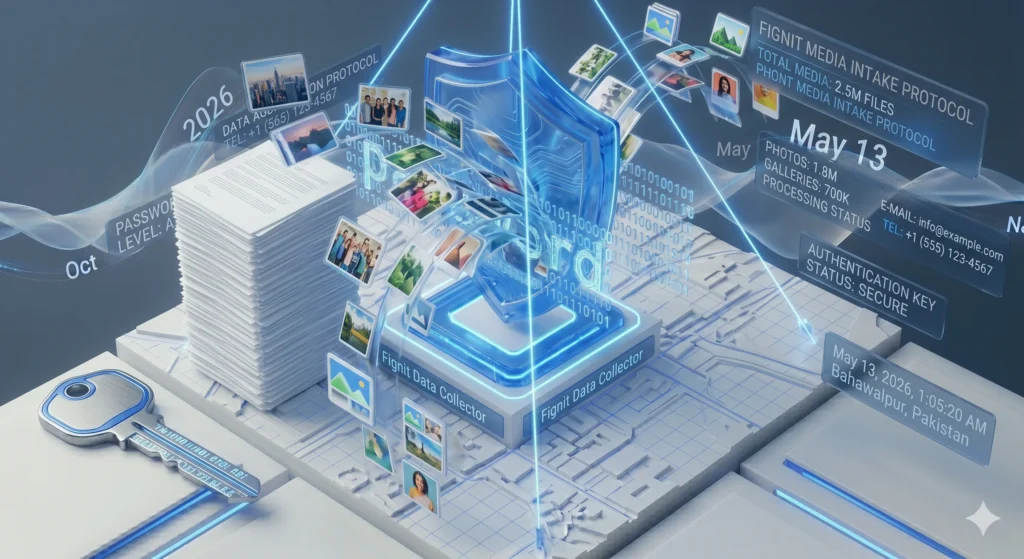
Key Features of the Fignit Extraction Engine:
- Multi-File Support: Upload multiple PDF documents simultaneously. Our engine processes them in a queue, so you don’t have to wait.
- Automatic Folder Organization: When you download your ZIP bundle, every image is neatly organized into sub-folders named after your original PDFs.
- Lossless Image Recovery: We pull the raw data directly from the PDF stream, ensuring you get the exact quality the original creator intended.
- Privacy-First Processing: Your confidential documents stay on your machine. All extraction happens locally in your browser, meaning your PDFs are never uploaded to a server.
- Instant Visual Gallery: Preview all extracted images in real-time. Choose to download everything or select only the specific visuals you need.
- Format Flexibility: Works with all standard PDF formats. After extracting, consider using our JPG to WebP Converter to modernize your new assets for faster loading.
3. How to Use the Bulk PDF Image Extractor
- Upload Your PDFs: Drag and drop your files into the blue upload zone or click to select them from your local storage.
- Monitor the Extraction: Watch the real-time progress bar as our engine “RIPs” the images from each page.
- Review the Gallery: Scroll through the live preview to see all the images our tool successfully identified.
- Download Your Bundle: Click “Download All (.ZIP)” to receive a perfectly organized archive of your high-quality assets.
4. Frequently Asked Questions (FAQ)
Q: Will this tool lower the resolution of my images? A: No. Unlike page-to-image converters, we extract the embedded objects at their native resolution. If the original image was high-definition, your result will be high-definition.
Q: Is there a limit to the number of PDFs I can process? A: You can process as many as you like. For the best browser performance, we recommend batches of up to 10 files at a time if they are particularly image-heavy.
Q: Does it work with password-protected PDFs? A: For security reasons, you must remove the password from your document before our browser-based tool can access the internal image stream.
Don’t Wait
Need a Custom Solution or Help?
If our current tools don’t meet your specific requirements, don’t worry. Our team is ready to help you find or build the perfect solution for your needs.