
Bulk WebP Converter
Convert your JPG and PNG images to next-gen WebP format instantly.
Drag & Drop images here
Support for bulk JPG, JPEG, and PNG files
Conversion Successful
Your download has started automatically!
Convert JPG to WebP: Professional Bulk Image Converter for Speed
Take your website performance to the next level. Our JPG to WebP Converter is a premium utility designed for web developers, bloggers, and designers who need to modernize their image formats without losing visual quality.
Why You Should Switch to WebP
In the era of Core Web Vitals, every millisecond counts. When you convert JPG to WebP, you are adopting a next-generation format that provides superior lossless and lossy compression. This means your images will be up to 30% smaller than traditional JPEGs, leading to lightning-fast load times and better Google rankings. If you need even more optimization after converting, check out our Compress Image Online tool.
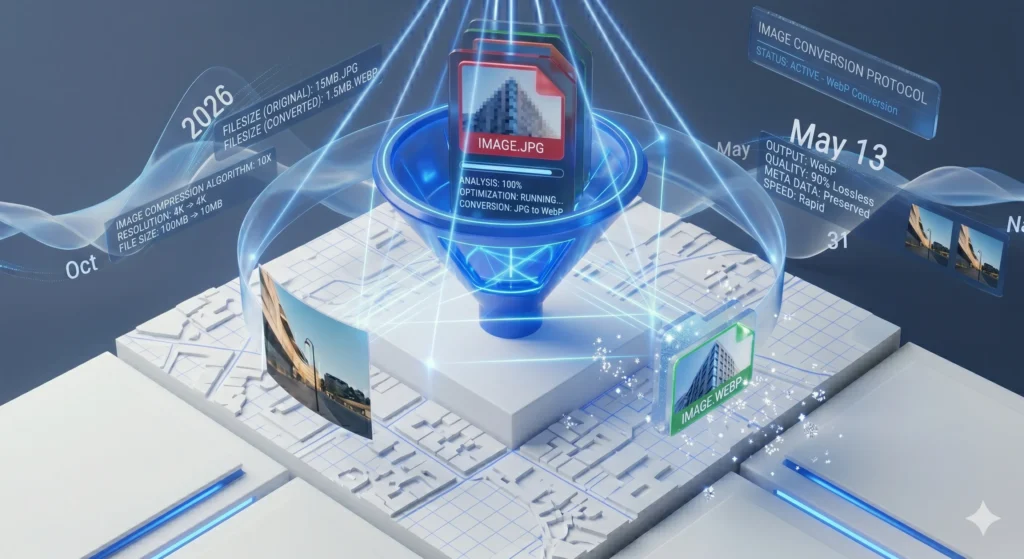
Key Features of the Fignit WebP Converter:
- Batch Conversion: No need to process one by one. Drag an entire folder and watch our engine convert them all simultaneously.
- High-Fidelity Rendering: Our algorithm ensures that the clarity of your original photo is preserved during the transition.
- Instant ZIP Export: Once converted, your files are neatly bundled into a ZIP folder for an organized download experience.
- Browser-Native Security: Your data stays with you. We process everything locally in your browser, meaning your images are never sent to a remote server.
- Compatibility First: We support all modern browsers, ensuring your new WebP images work perfectly for your global audience.
3. How to Use the JPG to WebP Converter
- Upload Your Assets: Click “Select Images” to upload your JPG or PNG files.
- Automatic Processing: Our system will immediately begin the conversion process. You can see the progress bar for each file.
- One-Click Download: Once finished, click the “Download All” button to receive your optimized WebP bundle.
- Try Other Utilities: Need to handle documents? Use our PDF to PPTX Converter for professional presentations.
4. Frequently Asked Questions (FAQ)
Q: Is WebP better than JPG for SEO? A: Yes. Google officially recommends WebP because it reduces file size significantly while maintaining quality, which is a key factor for mobile page speed and SEO.
Q: Can I convert PNG files to WebP as well? A: Absolutely. Our tool handles both JPG and PNG inputs, converting them into high-performance WebP files instantly.
Q: Is there a limit to how many images I can convert at once? A: There is no hard limit on our side. However, for the best browser performance, we recommend processing 20-40 images per batch.
Don’t Wait
Need a Custom Solution or Help?
If our current tools don’t meet your specific requirements, don’t worry. Our team is ready to help you find or build the perfect solution for your needs.