
Professional QR Generator
Generate high-quality QR codes for URLs, WiFi, WhatsApp, and more. Customize every detail, add your brand logo, and download in high-resolution for free.
2. Style & Appearance
3. Branding (Add Logo)
Best results: Transparent PNG
Full 300 DPI Rendering
Professional QR Code Generator: Create Branded & High-Resolution QR Codes
Elevate your marketing and bridge the gap between physical and digital worlds. Our Professional QR Code Generator is a versatile utility designed for businesses, creators, and event organizers who need more than just a basic black-and-white square. Create stunning, branded codes that match your identity and capture attention instantly.
Why Branding Your QR Codes Matters
Generic QR codes are often ignored or treated with suspicion. When you use a professional QR code generator to add your brand logo and custom colors, you build immediate trust with your audience. Branded codes have been shown to have up to a 30% higher scan rate because they look official and integrated into your design. If you’re looking to optimize other parts of your digital presence, try our Lead Extractor Pro for growing your outreach lists.
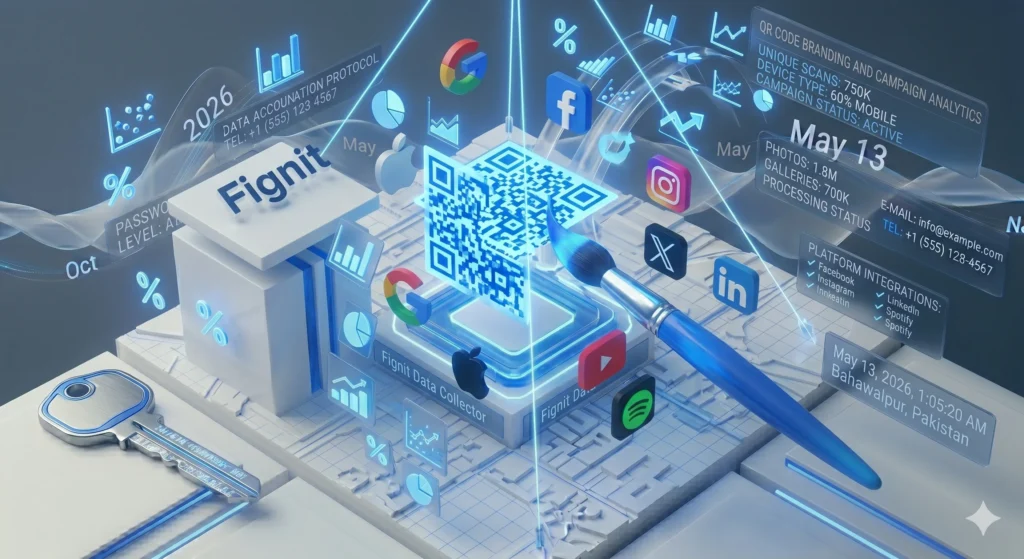
Key Features of the Fignit QR Suite:
- Custom Logo Integration: Simply upload your PNG or JPG logo to the center of the code. We automatically handle the transparency and scaling for a perfect fit.
- Modern Pattern Styles: Move beyond standard squares. Choose from dots, rounded corners, or “classy” patterns to make your code stand out.
- Vibrant Color Control: Match your brand’s exact hex codes. Customize the foreground, background, and even the corner “eye” styles.
- High-Resolution Exports: Download your codes in 300 DPI PNG format, perfect for high-quality printing on business cards, posters, or billboards.
- Multi-Data Support: Generate codes for website URLs, WiFi credentials, WhatsApp messages, vCards, or plain text.
- Privacy & Security: Your data never touches our servers. The generation happens entirely in your browser using secure Javascript libraries.
3. How to Use the Professional QR Code Generator
- Select Your Type: Choose the data format you need (URL, WiFi, WhatsApp, etc.).
- Enter Your Information: Type in the link or text you want the QR code to point to.
- Customize the Design: Open the “Style & Appearance” section to pick your brand colors and pattern shapes.
- Add Your Brand Logo: Upload your company logo to the “Branding” section.
- Download HD File: Click “Download PNG” to save your high-resolution code instantly.
4. Frequently Asked Questions (FAQ)
Q: Will my QR code expire? A: No. The QR codes generated by Fignit are “static,” meaning the data is encoded directly into the pattern. They will work forever as long as your destination link remains active.
Q: Can I use these QR codes for commercial printing? A: Absolutely. Our engine renders codes in high definition, making them suitable for everything from digital screens to professional print materials.
Q: Is there a limit to how many I can create? A: No. You can generate as many custom QR codes as you need for free.
Don’t Wait
Need a Custom Solution or Help about our online tools?
If our current tools don’t meet your specific requirements, don’t worry. Our team is ready to help you find or build the perfect solution for your needs.